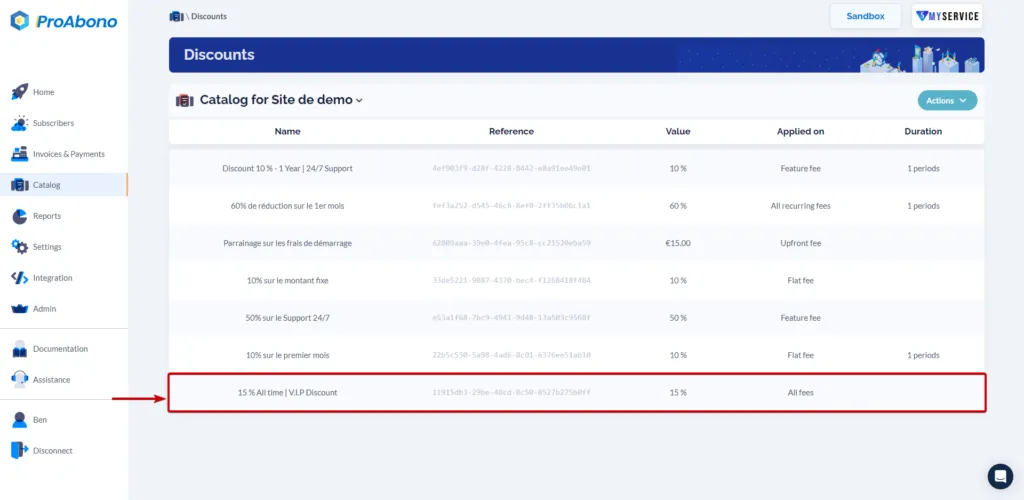
How to create a discount ?
Context
Section titled “Context”If you want to learn more about discounts.
Procedure
Section titled “Procedure”1. Access the dedicated section
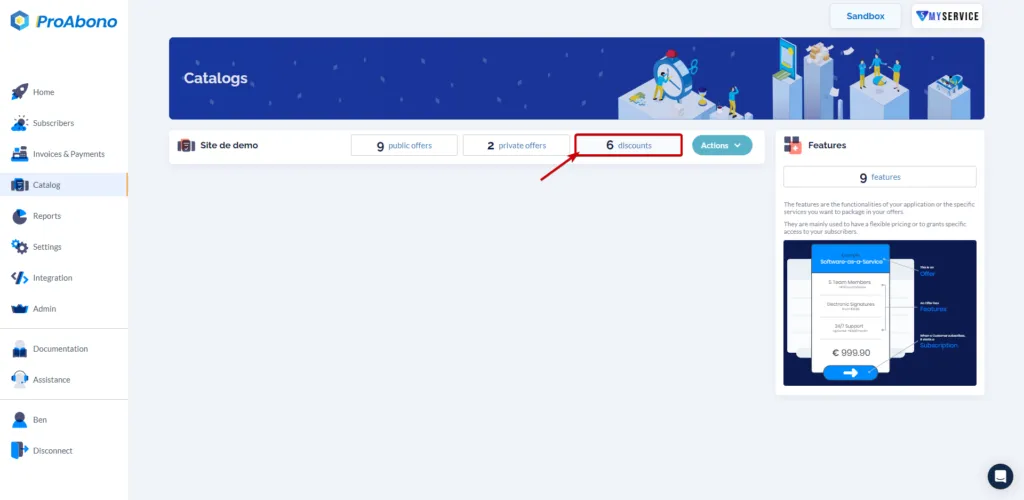
Section titled “1. Access the dedicated section”- Click on “Catalog” from the left menu.
- Then click on the “discounts” tile of your choice segment.
2. Open the creation form
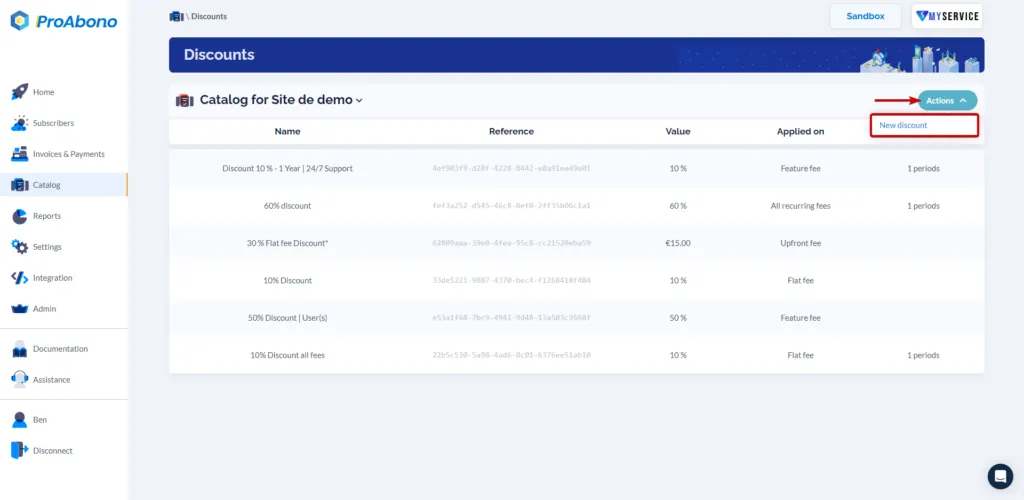
Section titled “2. Open the creation form”Once on the page listing the discounts:
Open the “Actions” menu and click on the “New discount” button
3. Fill in the form
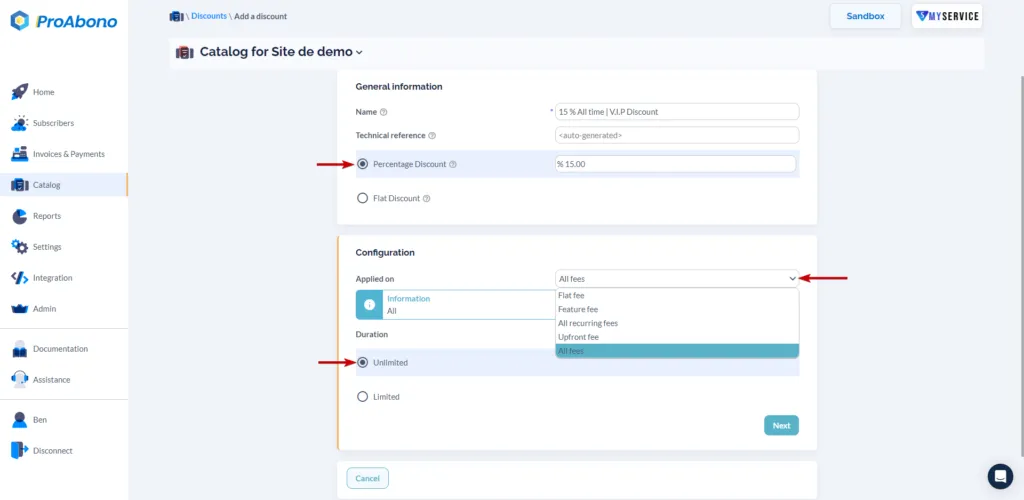
Section titled “3. Fill in the form”Provide the information related to your discount:
- The name and technical reference
- The type of discount (fixed amount or percentage)
- The duration of application
- etc.
Follow the form step by step.
4. Validate the form
Section titled “4. Validate the form”Simply click on “S_ave_” to finalize its creation.
If everything went well, the new discount will appear on the page listing all your discounts.