

How to create a customer ?
Context
Section titled “Context”If you have followed our recommendations by integrating the hosted pages into your website, new customers will be created automatically.
However, you still have the option to add a customer from the Back Office.
Procedure
Section titled “Procedure”1. Access the creation form
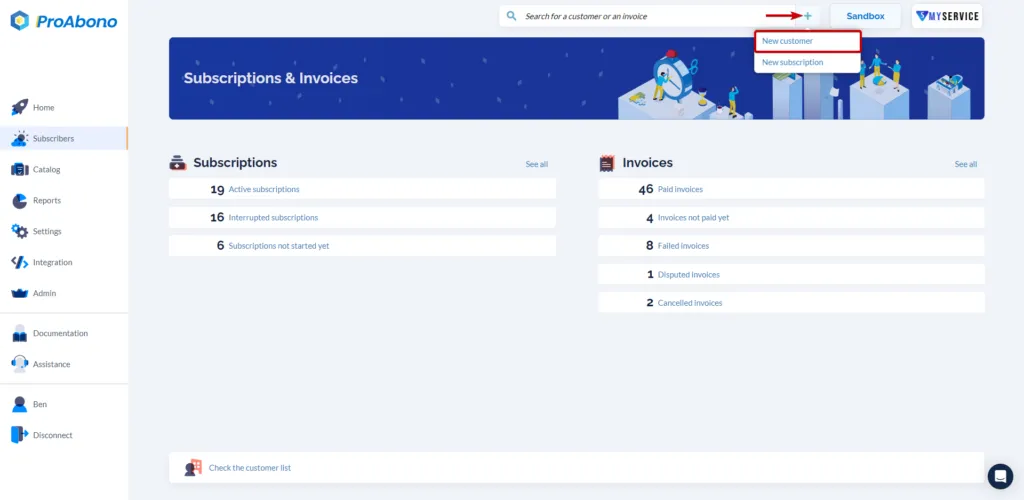
Section titled “1. Access the creation form”- Click on “Subscribers” from the left menu.
- Then click on the “+” button next to the search bar.
- Click on “New customer”.
2. Fill out the form
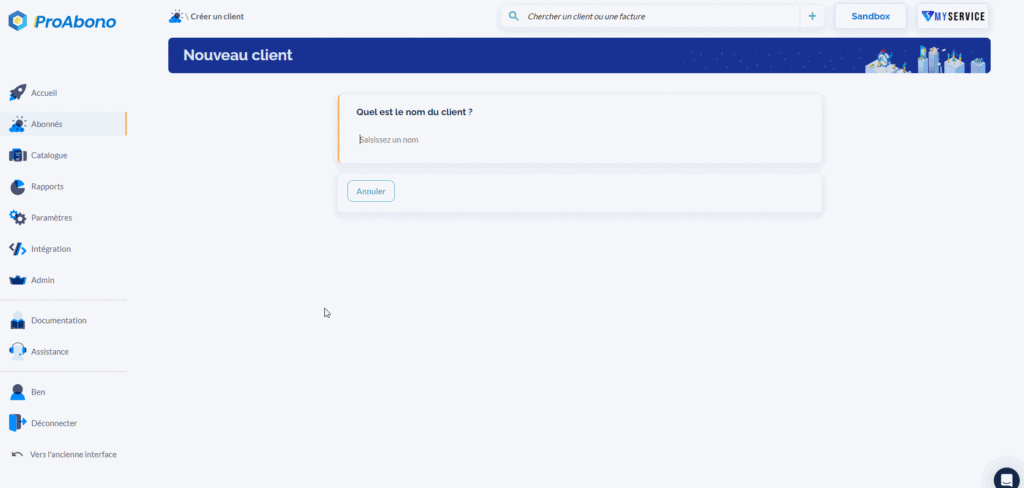
Section titled “2. Fill out the form”Provide the information related to your customer:
- Name & surname
- Customer reference
- Email address
- Billing address
- Automatic billing or not
- Payment method
- etc.
Follow the form prompts.
3. Validate the form
Section titled “3. Validate the form”Simply click on “Save” to confirm the creation.
If everything went well, the new customer will appear in the list of customers.