How to delete an Offer ?
Context
Section titled “Context”If you have an outdated offer and you no longer want to keep it, you can delete it.
Procedure
Section titled “Procedure”1. Go to the offer page
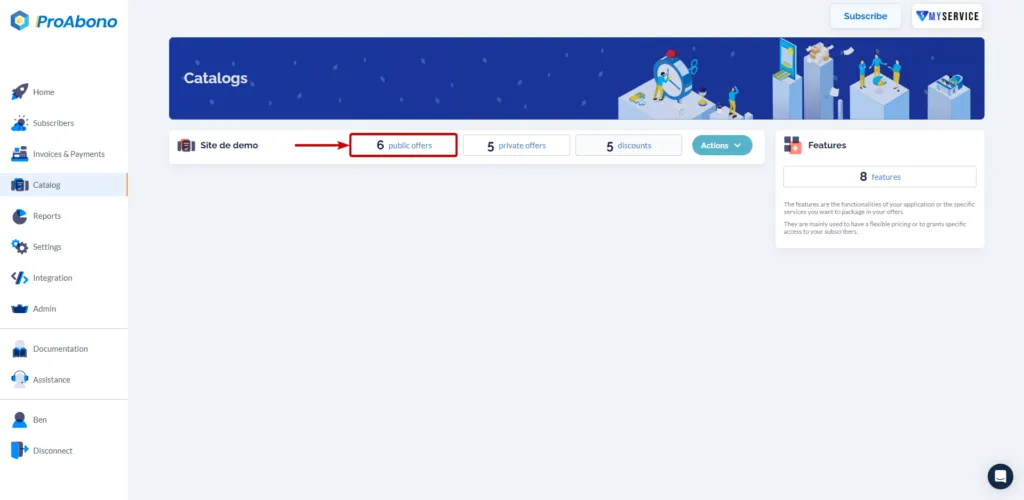
Section titled “1. Go to the offer page”- Click on the “Catalog” button from the left menu.
- Choose one of the categories (e.g., public offers) to access the list of offers in your segment.
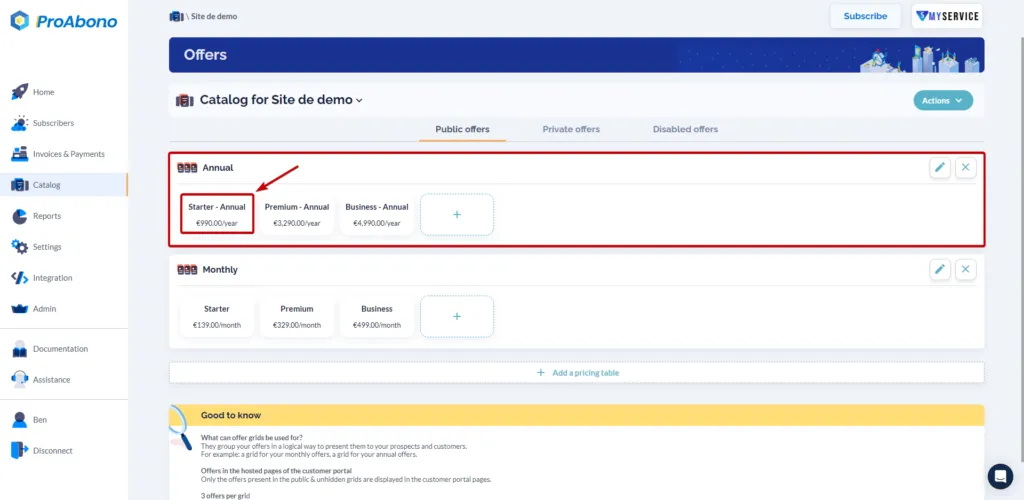
- Select the offer you want to delete.
2. Open the delete form
Section titled “2. Open the delete form”From the offer page:
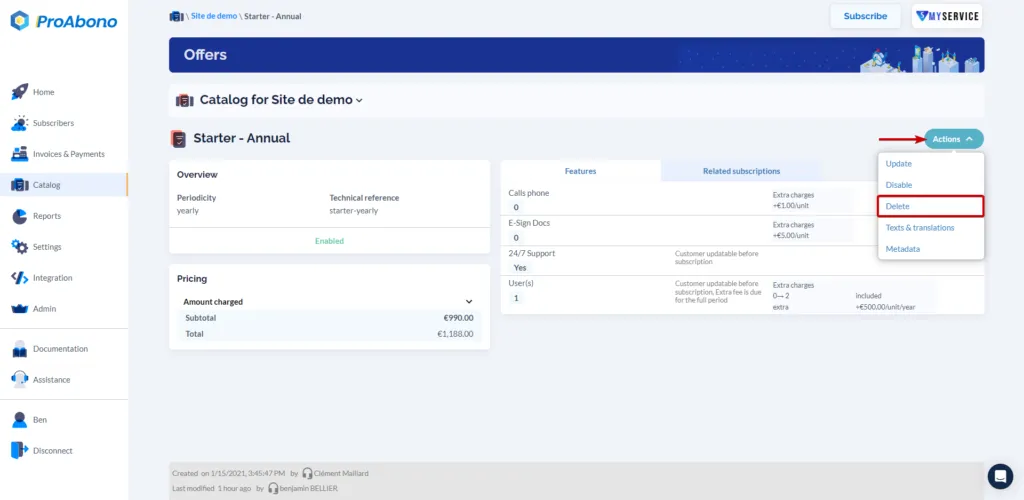
- Open the “Actions” menu
- Click on “Delete”
3. Confirm the form
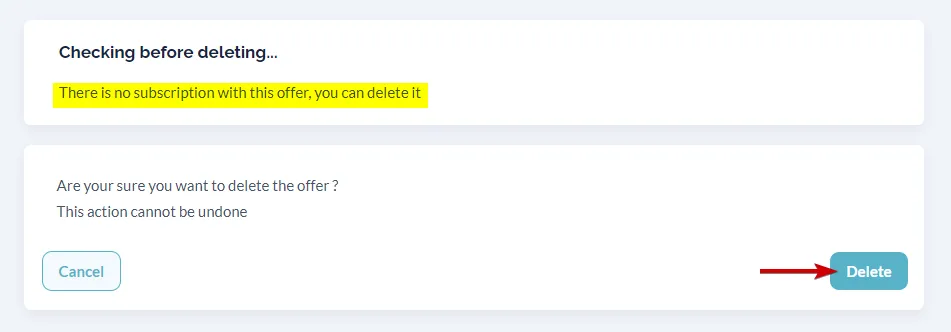
Section titled “3. Confirm the form”Simply click on “Delete” to finalize the action.