How do I create a new Pricing Table ?
Context
Section titled “Context”If you want to learn more about the pricing tables.
Procedure
Section titled “Procedure”1. Access the offer catalog
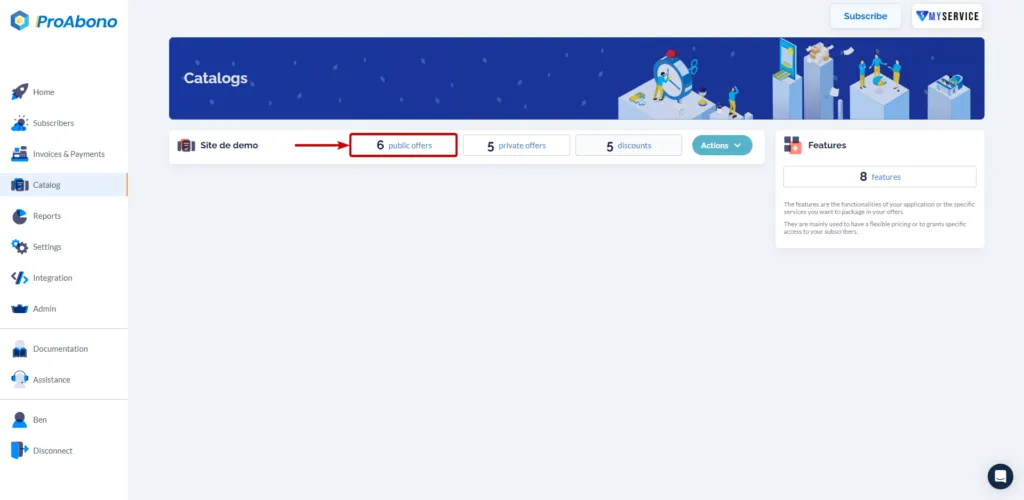
Section titled “1. Access the offer catalog”- From the main menu, click on “Catalog”.
- Then select the segment and offer type you want to create by clicking on the corresponding tile. (e.g., Demo Site > “Public Offers”)
2. Open the creation form
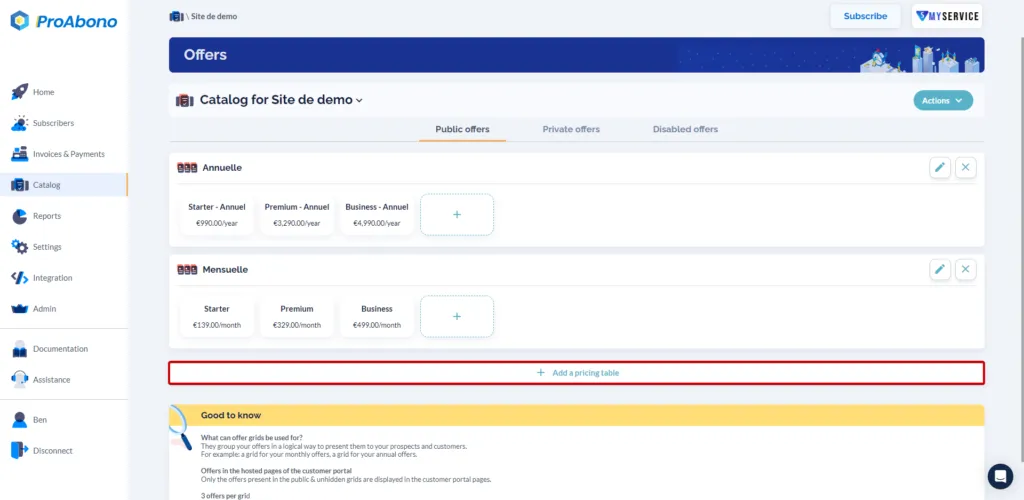
Section titled “2. Open the creation form”- Click on the “+ New pricing table” button.
3. Configure your pricing table
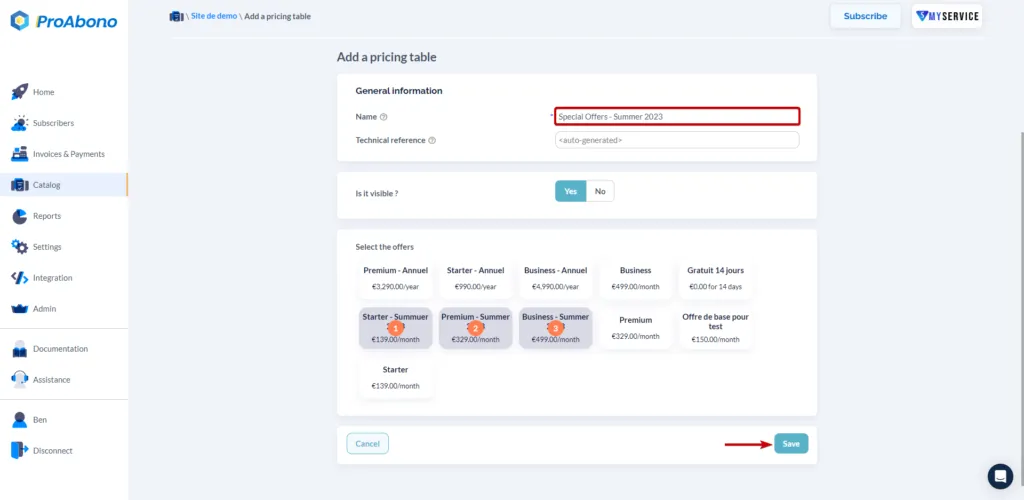
Section titled “3. Configure your pricing table”Customize how you want to present your offers through hosted pages by choosing the visibility of the pricing table and the display order of offers within the table.
4. Save the form
Section titled “4. Save the form”- Simply click on “Save” to finalize the creation.
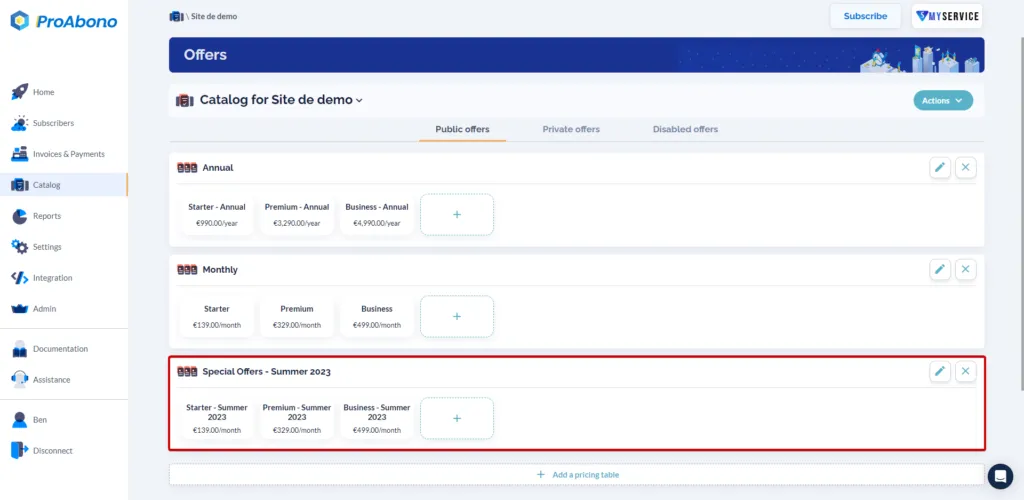
If everything went well, the new pricing table will appear on the presentation page of your catalog.