How to customize / translate feature texts ?
Context
Section titled “Context”If you need to customize the text fields in your features to market them in multiple countries and languages, or to add a description to improve the understanding of your offer, you can easily do so using the catalog customization page.
Procedure
Section titled “Procedure”1. Select the feature to customize
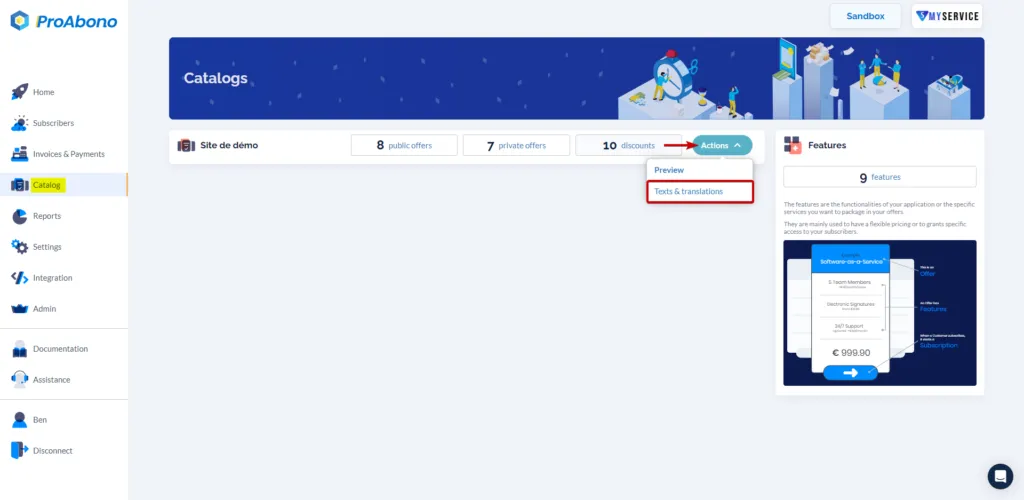
Section titled “1. Select the feature to customize”- Click on “Catalog” from the left menu.
- Click on the “Translations” button next to the catalog (segment) you want to modify.
2. Choose the element to customize
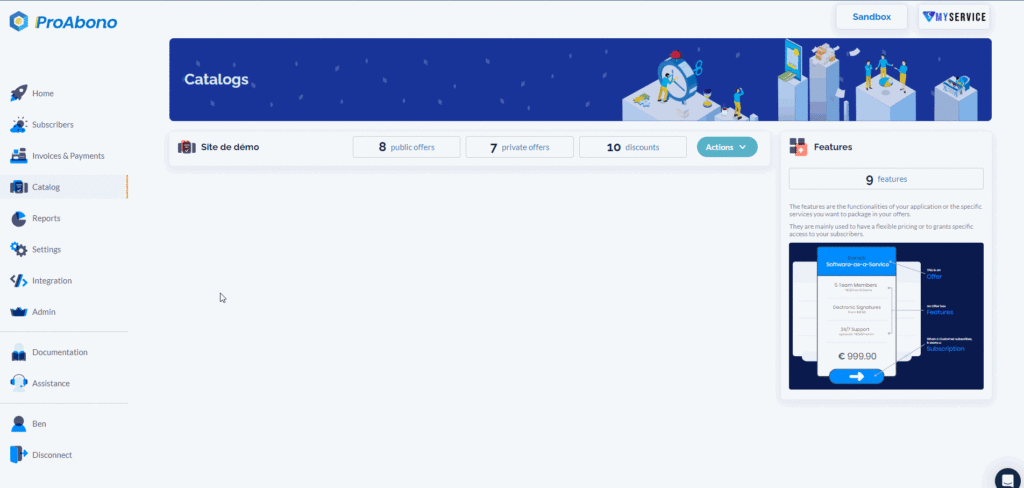
Section titled “2. Choose the element to customize”Once on the catalog customization/translation page:
- Click on the “Feature” tab
- Choose the element you want to customize and the language in which it will be modified.
3. Provide your custom content
Section titled “3. Provide your custom content”Only translate what you want: feature title, description.
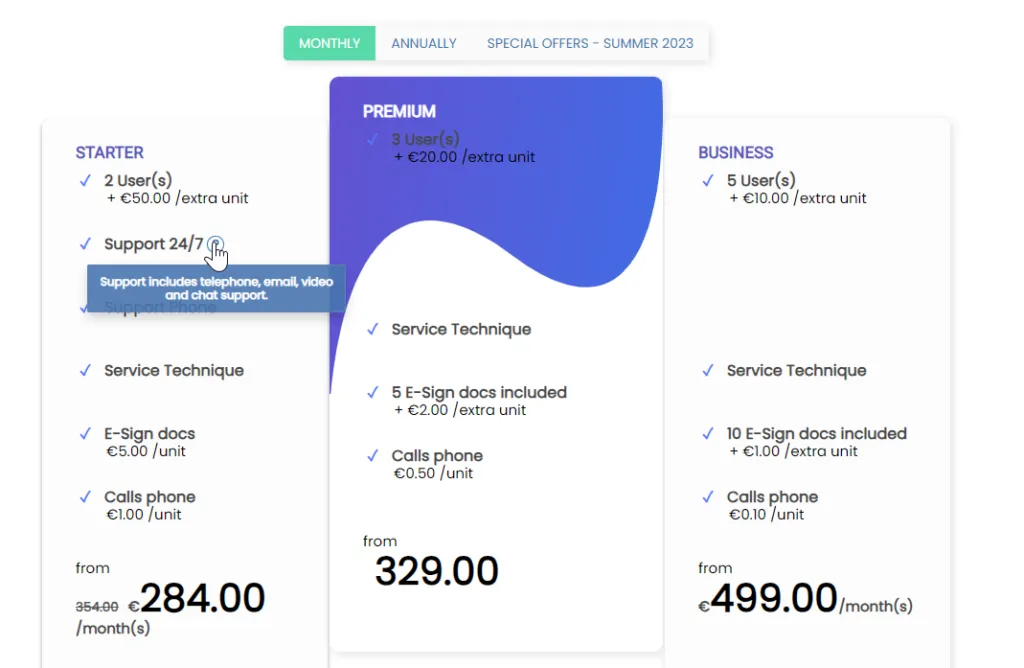
The description will appear on the offer presentation page in the form of a small question mark next to the feature. When you move the mouse over it, the description opens in a tooltip.
:::