How to update the customer care section ?
Context
Section titled “Context”You can provide information to help your customers to contact you.
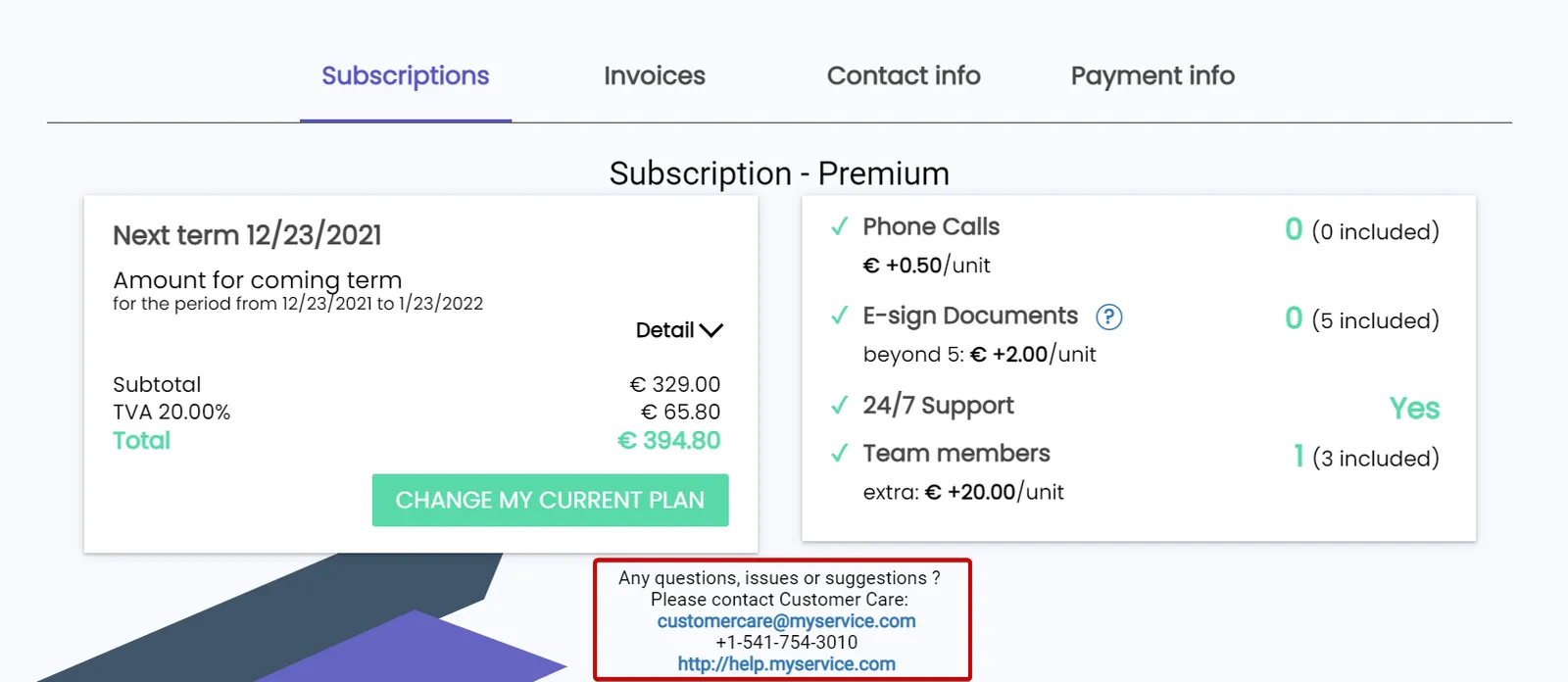
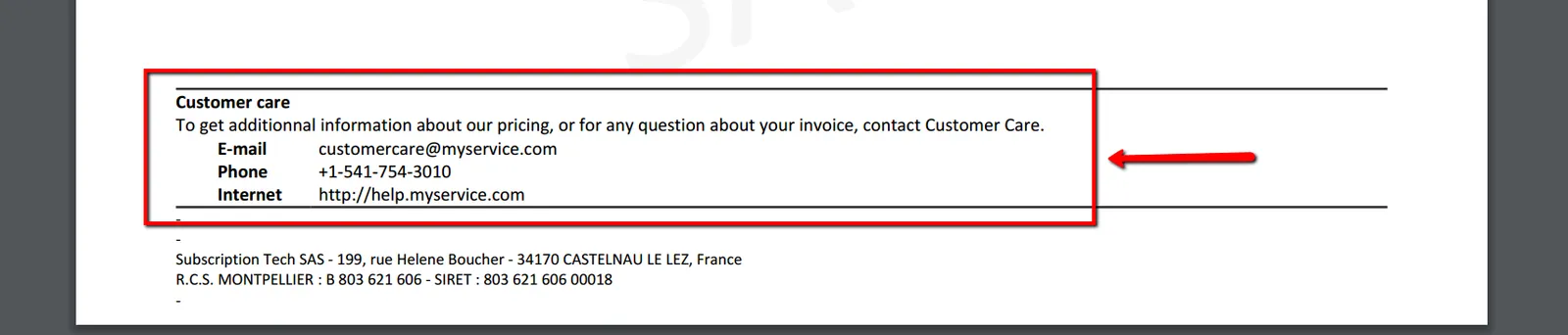
This information will be displayed to your customers:
- At the bottom of the Customer Portal
- At the bottom of the invoices:
Procedure
Section titled “Procedure”1. Go to the segment settings interface
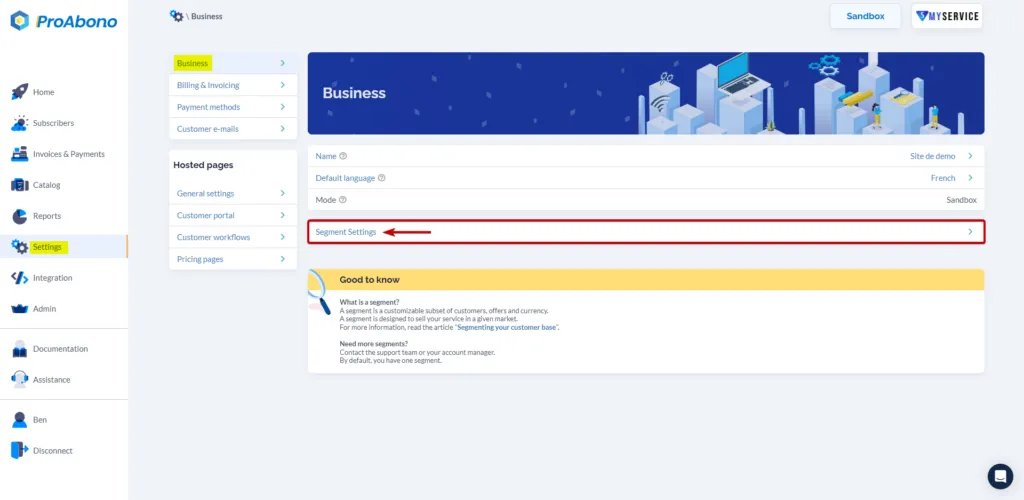
Section titled “1. Go to the segment settings interface”- Click on “Settings” from the left menu.
- Click on “Business” then on “Segment settings”.
2. Enter the desired information
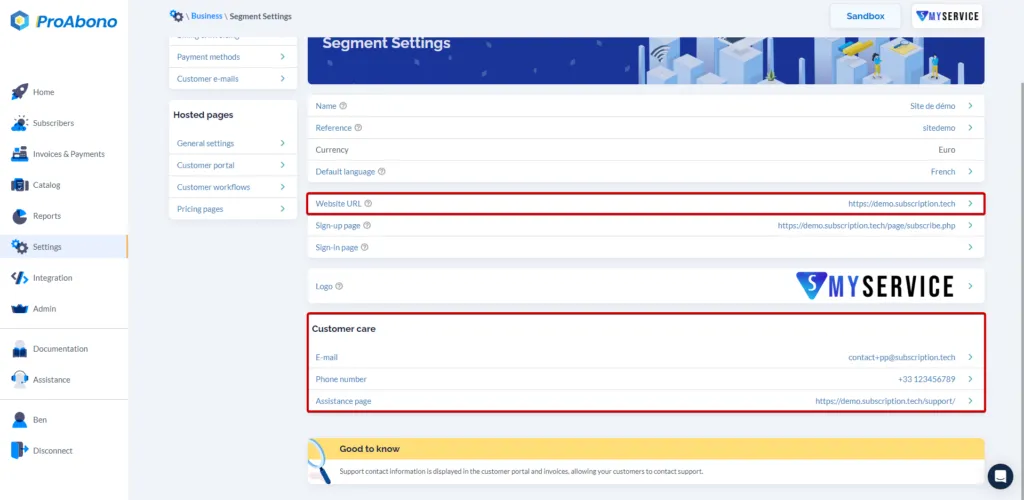
Section titled “2. Enter the desired information”- A contact email.
- A phone number.
- The web address (URL) of your customer support page.